POD Product Pages That Help Customers and Search Engines
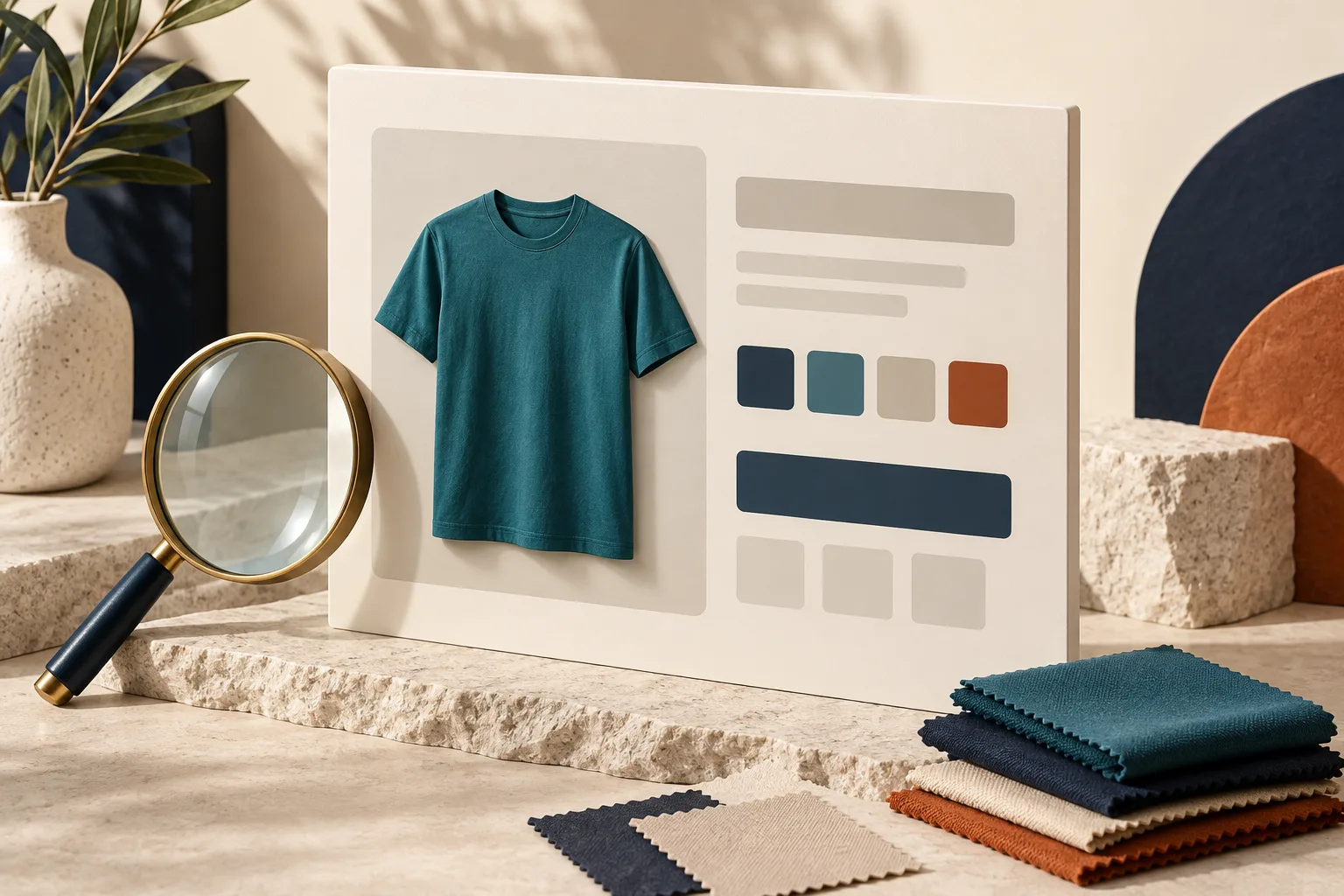
A useful print-on-demand product page answers the questions people have before ordering: what am I buying, which option should I choose, and how will delivery work? Clear answers help shoppers make a decision. They also give search engines a more understandable description of your offer.
You do not need a long list of near-identical keywords. You need accurate product information and a page that works on a small screen as well as a desktop. Start with one important product page, improve it carefully, and use the result as a practical template for the rest of your store.
1. Give Each Product a Clear Name
A name such as “Edition 04” might mean something to your existing community. A first-time visitor still needs to know what the item is. Combine the collection name with a useful product description: for example, “Evening Walk Back-Print T-Shirt.” Include a fit description only when it accurately describes the garment you sell.
Your page title and main heading should set a consistent expectation. Google's guidance on title links recommends descriptive, concise titles and discourages repetitive keyword stuffing. Avoid turning the title into several versions of “buy T-shirts.”
Write a specific meta description that summarizes the offer in one or two sentences. Google may choose other page content for the search-result snippet, so treat your description as a useful suggestion rather than guaranteed display text.
2. Organize Details Around Buying Decisions
The product, selected option, price, and purchase control should be easy to understand near the top of the page. Further details can then help shoppers check whether the product meets their needs. Start with the facts that matter for this particular item.
A practical sequence is a short explanation of the design, material and fit details, available options, measurements or sizing guidance, care instructions, and shipping and contact information. Use the specifications for the actual product. The Shirtee.Cloud product catalog can help you explore the range, but verify the details of the variant you plan to publish.
Explain Differences Instead of Adding Adjectives
“Exceptional quality” communicates less than a concrete explanation. Where is the design placed? Is it on the front, back, or both? Does the material composition differ between colors? If you do not have a reliable answer, check it rather than guessing.
Customer questions are useful editorial input. If several people ask the same thing, the answer may belong on the product page itself. This makes the description more helpful without adding paragraphs simply to reach a word count.
3. Make Every Image Useful
Arrange your images so that each one answers a different question. An overall view explains the item, another angle shows the design placement, and a detail image can clarify an important feature. Only show characteristics that the actual product has.
Write alt text that describes the image in context. “Navy T-shirt with an orange back print” is more useful than a string of shopping keywords. Google's image guidance recommends helpful descriptions and warns against keyword stuffing.
Check the page on a narrow screen and a slower connection. Can shoppers still inspect the design? Does a banner cover the variant selector? Does switching images change their selection unexpectedly? These practical checks are part of product-page quality.
4. Keep Variants and Technical Data Consistent
The selected size or color needs to match the information shown on the page. Pay particular attention to changes in price, imagery, and availability. Someone opening a link to a specific variant should be able to understand which option is selected.
Product structured data helps Google interpret product information. For pages where customers can buy directly, review the merchant-listing guidance. Check what your store platform already generates before adding another extension. The markup must agree with the visible product information. Enhanced search appearances are not guaranteed.
Never invent reviews or product identifiers to fill missing fields. Use the appropriate testing tools to inspect the existing markup and resolve specific errors. Technical completeness should come from accurate information, not fabricated data.
5. Make Pages Discoverable and Keep Them Current
Link to products from relevant categories using meaningful link text. Google's ecommerce site-structure guidance explains why products should not depend entirely on an internal search box for discovery.
Finally, compare your shipping information with current Shirtee.Cloud shipping details and your own store settings. Assign responsibility for updating descriptions, images, and technical data when a product changes. A useful product page is an ongoing description of your offer. Keeping it accurate helps people choose with a clearer understanding of what they will receive.