Size Guides and Product Descriptions: Make Fit Easier to Assess
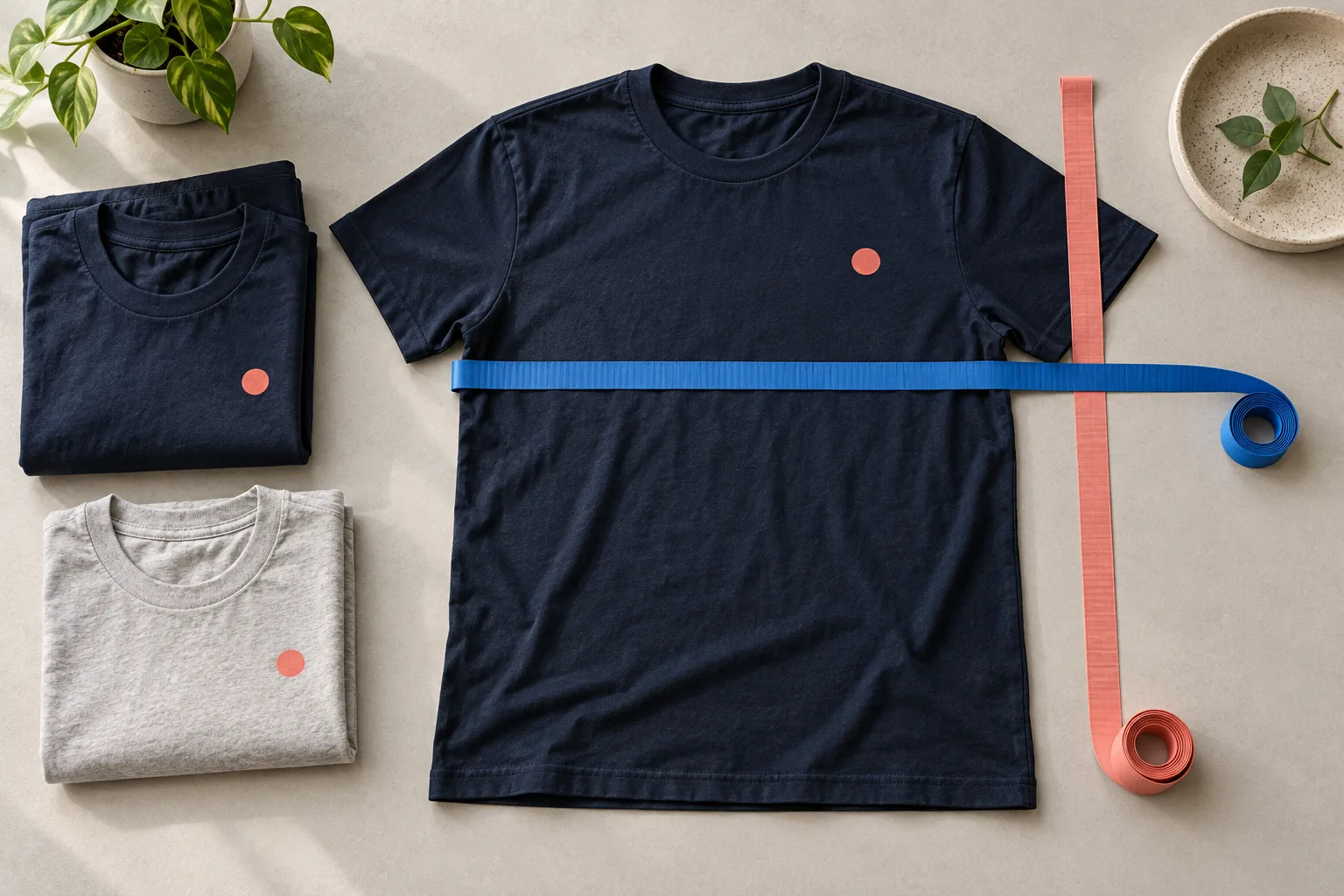
“Which size should I choose?” is a practical question your product page should help answer. A size label alone often leaves too much unexplained. Measurements, clear instructions and an accurate description of the cut give customers a stronger basis for choosing.
The aim is to reduce uncertainty. You cannot promise a particular reduction in returns simply by adding a guide. Fit also depends on body proportions and personal preferences. That makes useful, verifiable information more valuable than broad claims such as “the perfect fit”.
Match the guide to the exact product
Use the manufacturer or provider information that belongs to the item being sold. Two T-shirts carrying the same size label can have different dimensions and cuts. One store-wide chart is only appropriate if it genuinely applies to every product assigned to it.
Record the product identifier, source and date of the information you use. Review the size guide whenever you change the base garment. Do the same for updated models or added variants. An updated product paired with an old chart creates an avoidable inconsistency.
Make sure the sizes in the guide relate clearly to the options available in your store. If the manufacturer's chart includes sizes you do not offer, distinguish that information from the actual purchase options. Check the mapping rather than relying on the order in which variants happen to appear.
Explain body measurements and garment measurements
Body measurements describe a person. Garment measurements describe the item itself. State clearly above the chart which type customers are reading. For example, a chest width measured across a flat garment is different from the circumference of a person's chest.
Add a simple diagram or clear explanation of the measuring points. For garment measurements, you might ask customers to lay a similar, well-fitting item flat and measure it using the method shown. The starting point for length must match the source chart. Do not invent a universal measuring method if different items use different reference points.
Include manufacturing or measurement tolerances where the provider documents them, using the relevant value. A tolerance chosen without evidence can hide an error rather than clarify what customers should expect.
Make units and conversions unmistakable
Place “cm” or “in” beside the values or prominently in the table heading. If you offer both systems, verify conversions using 1 inch = 2.54 centimetres. Round consistently and avoid suggesting unrealistic precision with excessive decimal places.
Use a straightforward test case: 50 cm is approximately 19.7 inches. If switching units produces a substantially different measurement, inspect the conversion and data mapping. Also check that customers can still match each row to the correct size when scrolling on a phone.
Where possible, publish measurements as readable text. A small image containing tiny numbers is difficult to use on a mobile screen. If you need an illustration, provide its essential information in an accessible text form too.
Describe fit with details you can substantiate
Support the chart with information that dimensions alone do not explain. This may include a straight or close-fitting cut, sleeve shape and garment length, where those characteristics are established for the item. State the material composition accurately and check for differences between colour variants.
“True to size” offers little guidance without a reference point. A specific description that agrees with the product data and sample is more informative. Avoid routinely recommending that customers size up unless you have a sound basis for that advice.
For photographs of a garment being worn, the documented model height and worn size can provide context. They do not guarantee the same fit for another person. Be careful with poses or concealed clips that substantially change how the actual garment appears.
Put sizing information beside the decision
Position the size-guide link near the size selector. Test whether it is visible and easy to open on a phone. Important sizing notes should not appear only at the bottom of a long description.
A useful description order is fit and feel, material, size guidance, decoration and care. Keep each statement short and specific. When localising a listing, check size labels, units and technical terms separately. Fluent wording can still contain an incorrect measurement if the underlying data was copied carelessly.
Improve the guide through recurring questions
Group sizing questions by product and cause. Is a measuring point missing? Is the description of the cut unclear? Are customers confusing body measurements with garment dimensions? Add the information that resolves the actual problem instead of continually lengthening the whole page.
Start your product selection with the Shirtee.Cloud product overview. If details about a specific item remain unclear, resolve them through Shirtee.Cloud's contact page before presenting them as facts. A useful size guide stays precise, easy to find and aligned with the products currently available in your store.