SKUs and barcodes: Map shop variants clearly
“The blue shirt” is not a sufficient identifier once a shop contains several sizes, designs or versions. A clear variant identifier connects the exact item being sold with the correct record. Plan your own SKU system and record other identifiers separately. A similar name, a printed code or a position in an export is not reliable evidence of a correct match.
SKUs and barcodes answer different questions
A SKU is an internally used item code. Shopify describes SKUs as tools for inventory tracking and reporting, and provides separate fields for SKUs and barcodes. Its official SKU documentation also recommends a consistent system and unique identifiers for different variants.
For your shop, this creates a straightforward working question: Which identifier represents our sellable variant, and which additional identifiers belong to it? Do not turn a barcode value from a product source into your own SKU without checking it. Equally, a readable SKU printed on a label does not automatically constitute an agreed scanning solution. The format, data content and processing must fit the actual workflow.
The following proposal is an original organisational example. It does not describe a required Shirtee.Cloud numbering system or any particular integration.
Define what counts as a variant
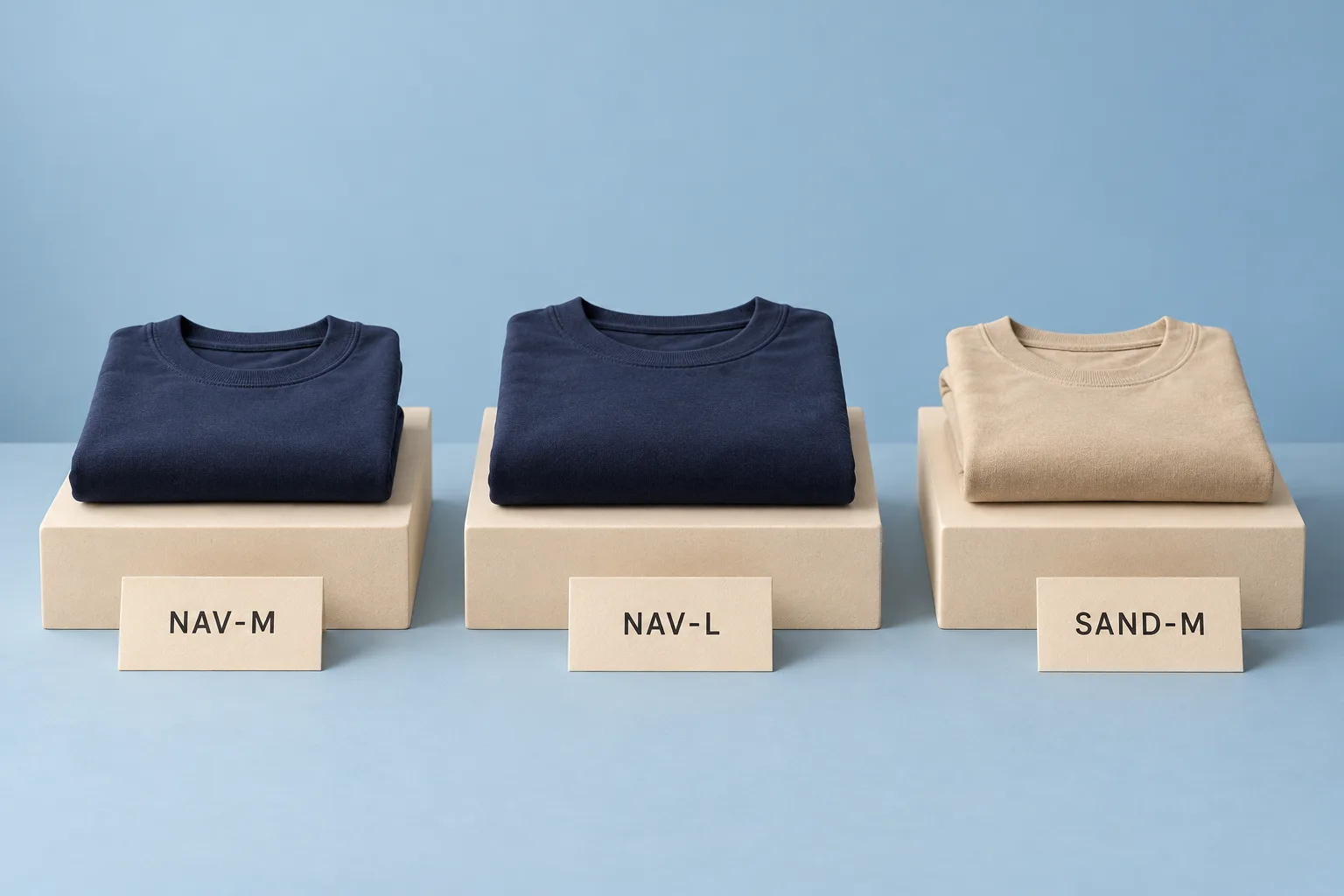
A fictional shop sells a shirt design called “Harbor” in two colours. It starts its mapping exercise with three versions:
| Sellable variant | Example shop SKU | Distinguishing detail |
|---|---|---|
| Harbor, navy, M | HBR-NAV-M | Navy, size M |
| Harbor, navy, L | HBR-NAV-L | Navy, size L |
| Harbor, sand, M | HBR-SND-M | Sand, size M |
These codes are invented. They are not manufacturer or catalogue numbers. Their purpose is to identify each variant unambiguously within this example. Another shop could use numeric identifiers, provided it can reliably look up their meaning.
Also decide which differences require a separate record in your own system. Otherwise, another printed design or a different version might accidentally end up under the same identifier. Write that decision down as a short rule before creating a large list.
Maintain a mapping table with separate columns
Start with your own SKU, the full variant description and the identifier of the shop record. Add the confirmed external product or variant identifier in a separate column. If your workflow uses a barcode value, give that its own field and record where it came from.
A “mapping review” column might initially contain “open”, “checked” or “question pending”. These are your own working labels, not system statuses. Add a review date and the responsible role so that subsequent changes can be traced.
The key test is whether someone can identify exactly one sellable variant from each row. Check the reverse direction too. If two different variants point to the same shop SKU, resolve the conflict before using the data. If several identifiers belong to one variant, make the purpose of each clear.
Test the mapping with a small export
Export the three sample variants from your own test inventory, or assemble a comparable data sample. Open the file and search specifically for HBR-NAV-L. Then compare the name, colour and size with the intended record.
Repeat the exercise for HBR-NAV-M. The two similarly named navy variants are particularly useful for detecting whether someone checked only the product name or colour. Also inspect leading zeros, letter case and separators if your real identifiers contain them. A spreadsheet view must not silently change the character sequence.
When planning a handover to Shirtee.Cloud, obtain confirmation of the field used in your specific workflow and how it maps to the agreed item. The presence of a SKU in your shop does not prove that a data handover works. Use no real customer data in the test.
Handle changes deliberately
A new selling title does not automatically require a new SKU. First establish whether the actual variant has changed or only its description. Do not casually reassign a retired code to a different item: old exports and later questions should remain understandable.
Does the SKU need to contain every product attribute? No. The example makes some attributes readable within the code. The essential requirements are an unambiguous mapping and a maintained description.
Is printing a barcode enough? Only after checking the data content and intended processing can you establish what purpose it serves. A printed symbol does not replace that review.
Begin with three similar variants and a fully checked mapping table. This helps you discover ambiguity before it spreads through the entire range.
AI-generated illustration with fictional variant cards; not catalogue models, real warehouse identifiers or guaranteed size proportions.