Merch campaign links: Plan and check consistent UTM values
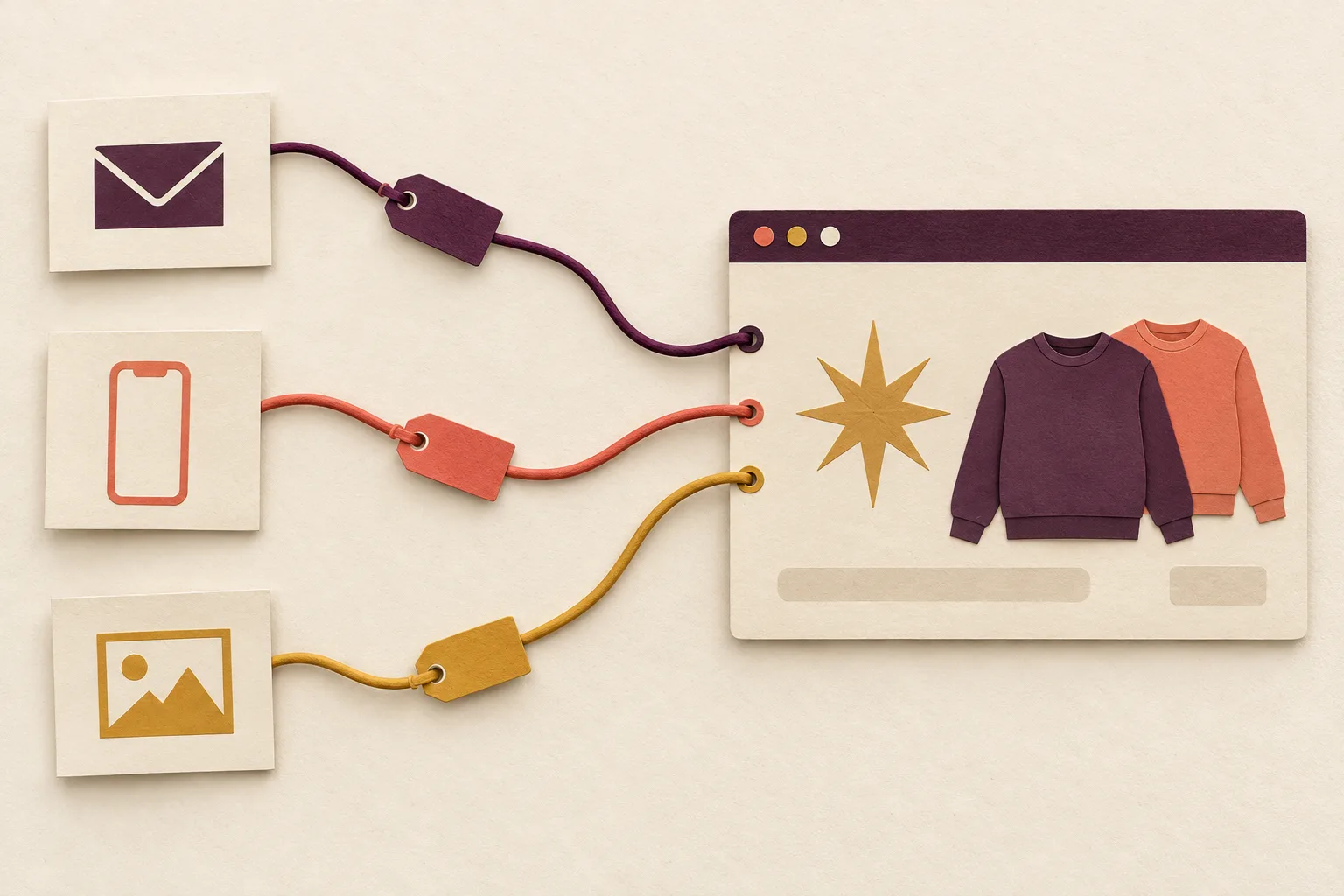
When several posts lead to the same merchandise collection, each external campaign link should have a traceable name. UTM parameters record where you placed the link, which medium it belongs to and which campaign it supports. This tagging provides a basis for analysis in an appropriately configured analytics system. On its own, it creates neither complete measurement data nor proof of additional sales.
Cover image: AI-generated paper collage showing three symbolic routes to a shop page. Not a real interface or measured campaign data.
One campaign, several routes to the same collection
Consider this original example: your shop is planning a small winter collection. A newsletter, a profile link and two different social creatives lead to the same collection page. Afterwards, you want to know which tagged routes the recorded visits were attributed to. That requires consistent naming before launch.
The Google Analytics guide to URL builders describes utm_source for the source, utm_medium for the medium and utm_campaign for the campaign. utm_content can distinguish individual creatives or link positions. Google also notes that differences in capitalisation can produce separate values.
Create a small link register before distributing copy across channels. Give the campaign one consistent spelling. One person maintains the register; others copy the finished links from it instead of rebuilding them each time.
A practical naming system for your test
The following table is an original editorial example. Its values describe the proposed placements, not requirements for a particular shop system or automatic channel grouping.
| Placement | utm_source | utm_medium | utm_campaign | utm_content |
|---|---|---|---|---|
| Newsletter, main image | newsletter | winter_2026 | hero | |
| Newsletter, text link | newsletter | winter_2026 | text | |
| Social post with star design | social_profile | social | winter_2026 | star |
| Social post with detail view | social_profile | social | winter_2026 | detail |
This separates two questions: how do the tagged media differ, and how do two link positions within the same newsletter differ? Giving every link a different campaign name would split the shared activity into several names.
Also record the real destination address, planned placement date, responsible contact within your own team and review status. Keep the contact in this internal working register, not in the published link. Personal details, customer numbers and order information are unnecessary for this naming system.
Build the link from a checked destination
First open the actual collection page without campaign parameters. Check its language, available content and route to the product. Only then use that address as the starting point. Consistent tagging has limited value if the destination presents an expired offer.
A relative path used purely to illustrate the format might look like this:
/collections/winter?utm_source=newsletter&utm_medium=email&utm_campaign=winter_2026&utm_content=hero
This path is not a live link or a guaranteed shop route. It demonstrates the structure only. If the actual address already contains a query parameter, further parameters are joined with &. A URL tool or the preview in your chosen system can help handle special characters correctly. Avoid carrying across unrelated tracking values from an earlier browser visit.
Check whether the channel preserves the completed link. A redirect or shortened link can affect the eventual destination. Test the full route from the actual draft or preview area to the landing page; opening the destination directly answers only part of the question.
Separate the link check from the measurement check
The initial link check is straightforward: open the link, inspect the destination, check the language and inspect the parameters after redirects. Repeat this on a phone if much of the planned communication will be viewed there. Use the link version awaiting approval in your register.
The measurement check is a separate step in the configured analytics system. Record which test action you performed, when you performed it and where you expect to inspect its attribution. Whether a visit is recorded depends on factors including configuration, consent and technical limitations. A parameter in the address bar is not evidence that a report has processed it.
Agree in advance what observation completes the test. For example: “The approved newsletter link opens the correct page, and the controlled test visit can be traced to the expected source name in the intended checking tool.” If only the first part is confirmed, the second remains open.
Read the results against a specific question
Use the same time period and metric for a comparison. An original summary could show recorded sessions for each link group, with measured purchase events in a separate column. Do not relabel clicks reported by a mailing tool as shop sessions; these are different measurements.
A small number of observations initially supports a description, not a reliable conclusion about the best creative. If a difference stands out, also examine the landing page, devices and placement timing. UTM values describe how the entry route was tagged, not every reason behind a purchase.
After the campaign, keep the register as a reusable template. Mark expired links and preserve previously assigned campaign names in the history. The guide to Pinterest Pins and matching landing pages complements link planning with advice on the image and destination promise. For the next launch, start with a small, thoroughly checked set of links whose naming everyone involved understands.